 Reading Time: 2 minutes
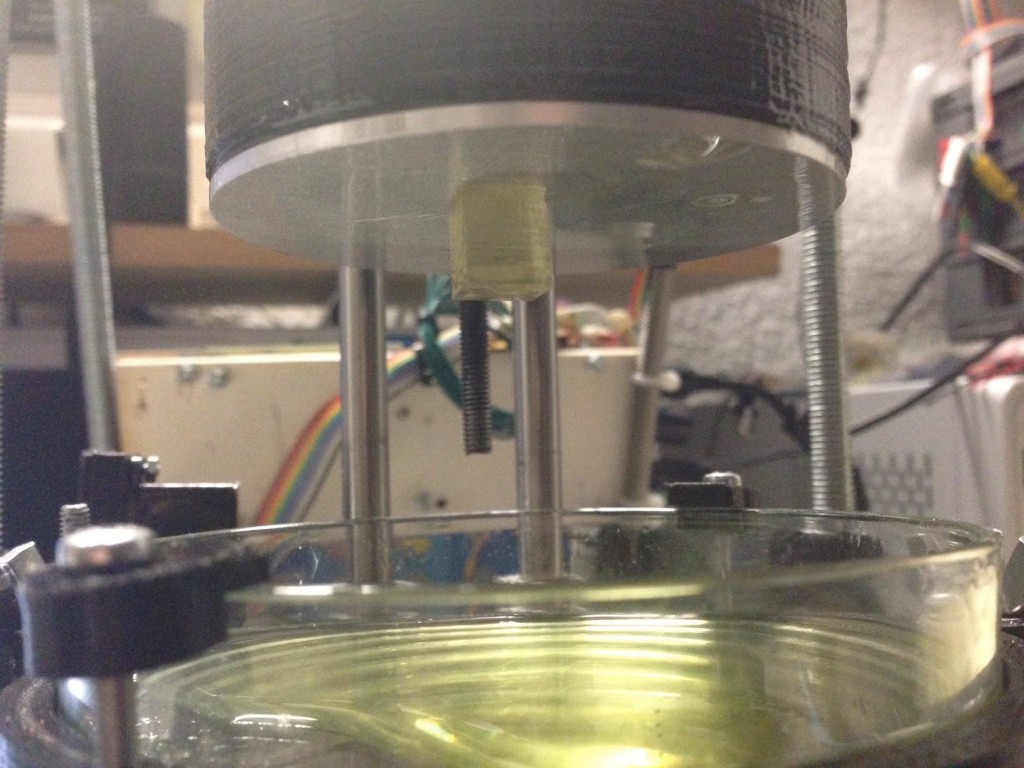
After 21 month and seven prototypes i proudly present you a first version of my Open Exposer 3D resin printer which is able to print. More …
 Reading Time: 2 minutes
After 21 month and seven prototypes i proudly present you a first version of my Open Exposer 3D resin printer which is able to print. More …
 Reading Time: 3 minutes
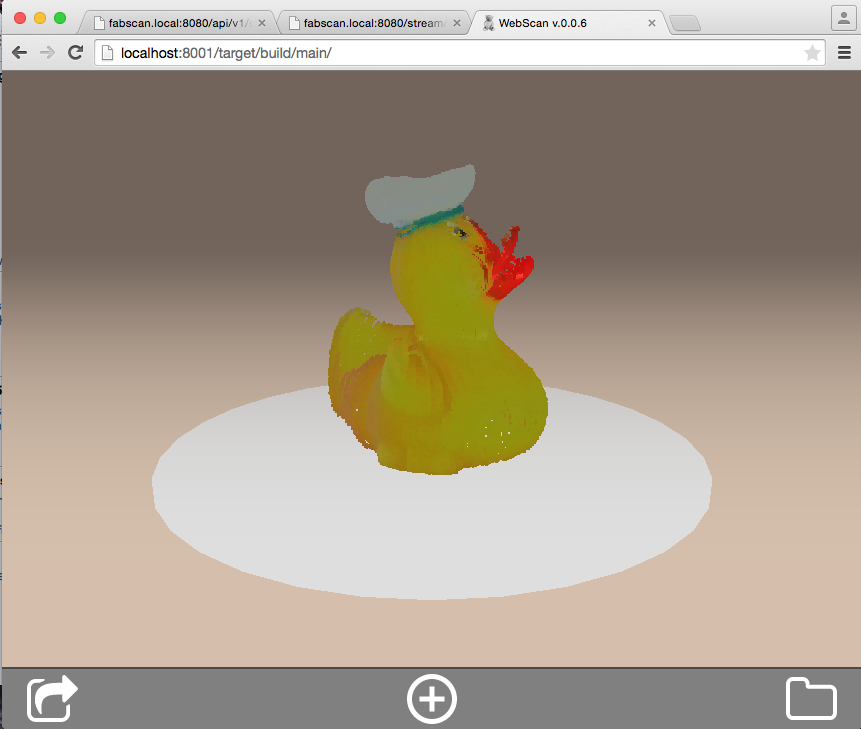
Currently i am working on the new official software solution for the FabScan 3D Scanner. But FabScan PI will be more than only a software solution. With FabScan PI, as the name suggests, you are able to run your FabScan with a Raspberry PI2. More …
 Reading Time: 3 minutes
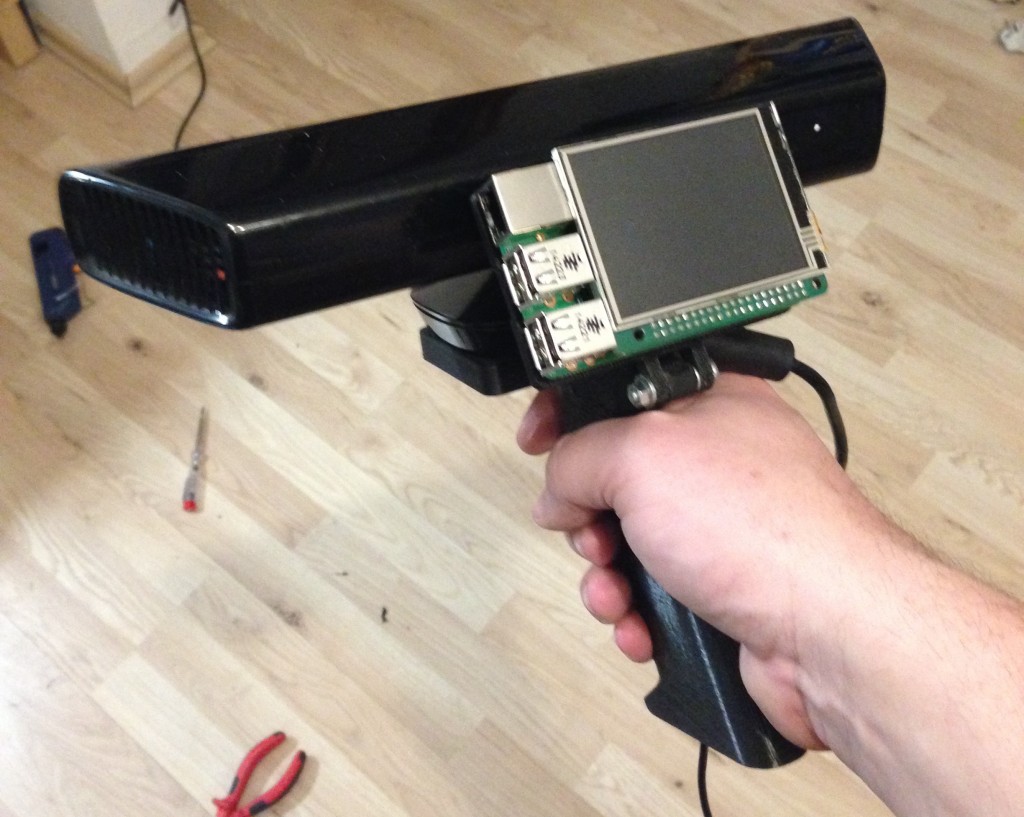
I am working on a proof of concept standalone mobile 3D Scanner. Hopefully it will be possible to use a Raspberry Pi2 for this project. I have already posted a video on youtube. And some people asked for short instructions on how to run the Kinect on the Raspberry Pi2. And here it comes….
First i printed and modified a Kinect handle i found at Thingiverse. I remixed this handle and added a Raspberry Pi2 and a display mount to it. You can find the files at: https://www.thingiverse.com/thing:698577
More …
 Reading Time: 7 minutes
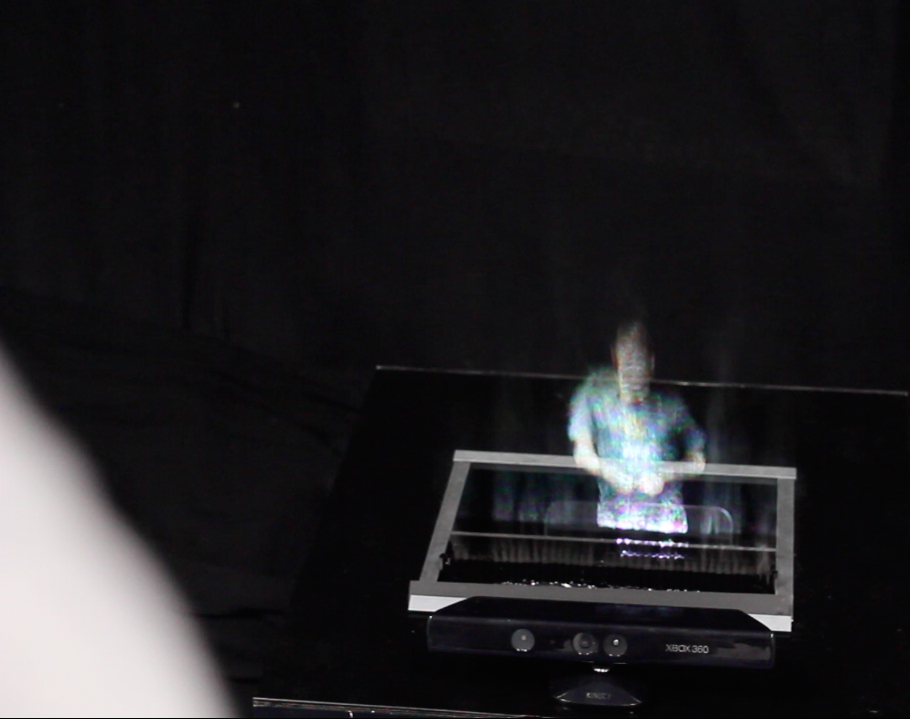
Der Artikel ist zwar lange überfällig, aber besser spät als nie. Die Hannover Messe steht an und somit auch die Siegerehrung zum aktuellen Make Light Wettbewerb. Bei diesem konnte ich auch diesmal meinen Titel verteidigen. Der diesjährige Wettbewerb startete unter dem Motto „Vernetzte Photonik“.
Da ich in dies mal etwas mehr Zeit hatte um mich auf den Wettbewerb vorzubereiten habe ich auch ein größeres Projekt eingereicht, welches ich in diesem Blog Artikel näher beschreibe.
 Reading Time: < 1 minute
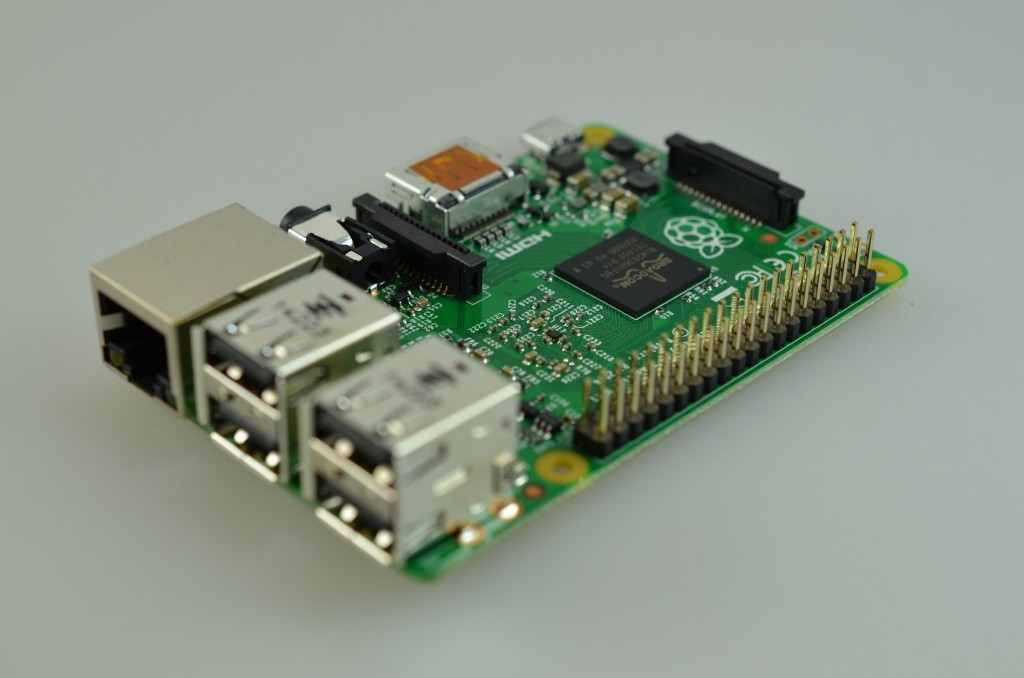
Last monday the Raspberry Pi 2 was released. I’ve got one of them on Tuesday. After the installation of the new Raspbian Image (2015-01-31) i realized that the default GPIO Python module of Raspian does not work with the Raspberry Pi 2 anymore. I tried to import the module and got a „This module can only be run on a Raspberry Pi!“ message.
There is already a ticket for this issue at Sourceforge. The sources are fixed but there is no raspbian upgrade until now. You can easily upgrade the module by compiling from source.
First install the needed packages.
$ sudo apt-get install python-dev python3-dev

$ sudo apt-get install mercurial

$ sudo apt-get install python-pip python3-pip
Remove the old packages.
$ sudo apt-get remove python-rpi.gpio python3-rpi.gpio
Install the new Versions
$ sudo pip install hg+https://hg.code.sf.net/p/raspberry-gpio-python/code#egg=RPi.GPIO

$ sudo pip-3.2 install hg+https://hg.code.sf.net/p/raspberry-gpio-python/code#egg=RPi.GPIO
After the installation is complete, you can try the module by starting python.
python
In Python test the installation by importing the module.
import RPi.GPIO
If you get no errors, the module will work.
Have fun!
For more detailed instructions visit:
https://sourceforge.net/p/raspberry-gpio-python/wiki/install/
Edit: Thanks to Ben Croston for the hint in the comments. I changed the instructions above. They match Ben’s suggested way of installation for the development version now.
 Reading Time: < 1 minute
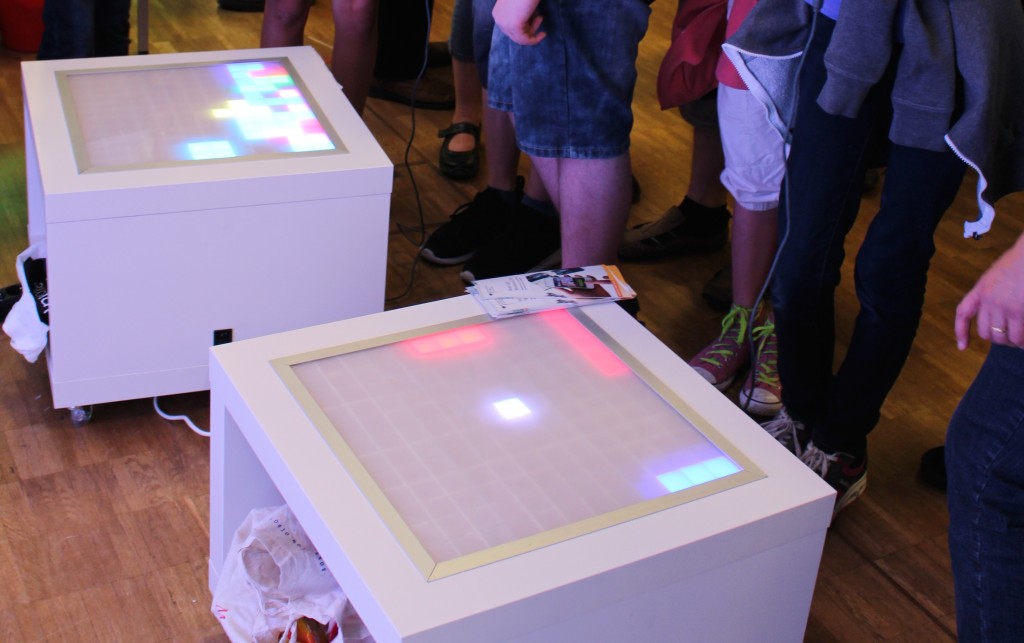
Auf der Maker Faire in Hannover hatten Christoph und ich die von uns gebauten Led Arcade Tische dabei. Als Basis für die Tische wurde ein IKEA Lack mit Rollen verwendet. Das Display wurde durch LED Strips hinter einer Plexiglas Scheibe realisiert. Als Controller kam der Teensy zum Einsatz. Wer solch einen Tisch nachbauen will, sollte sich die Bauanleitung auf Christophs Blog genauer ansehen. Eine deutsche Anleitung wird bald folgen.