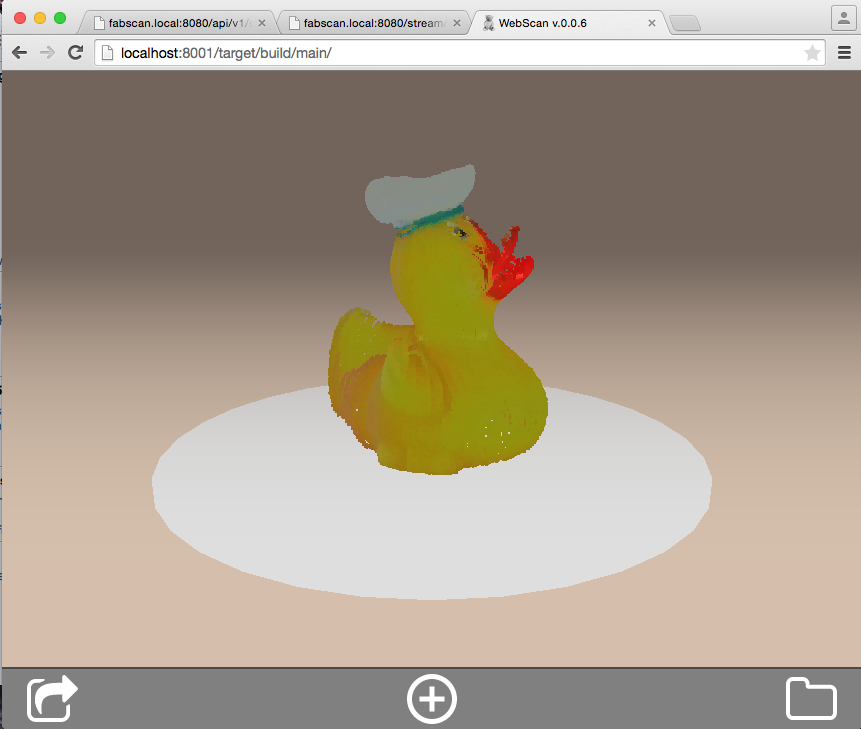
Currently i am working on the new official software solution for the FabScan 3D Scanner. But FabScan PI will be more than only a software solution. With FabScan PI, as the name suggests, you are able to run your FabScan with a Raspberry PI2.
Here are some pictures and videos of the new alpha version. If you are an owner of the “old” FabScan CUBE setup don’t worry, FabScan PI will be fully downward compatible. But i suggest to use a Raspberry PI2.
Hardware
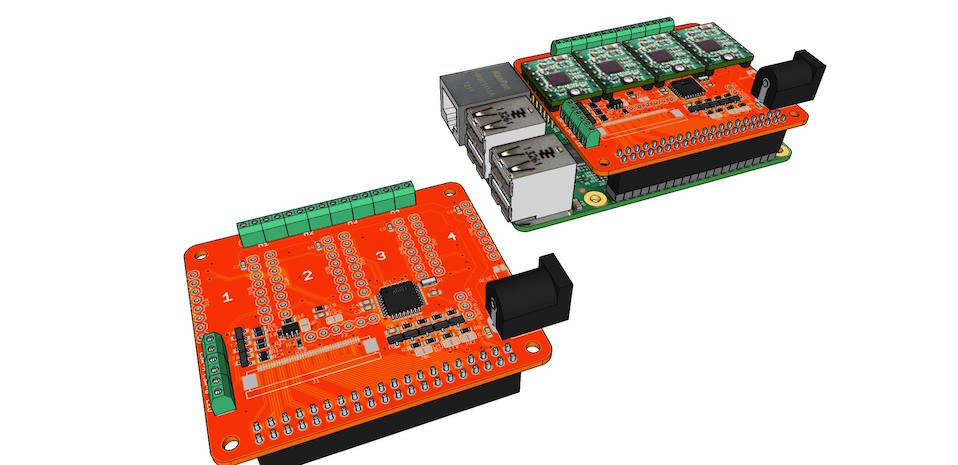
FabScan PI2 uses a Raspberry PI2 with the PI camera module as base system. Additionally a 12 LED ring is added make environment lighting control easier. With this combination the scan results can be drastically increased. There will be a Raspberry PI FabScan HAT available at Watterott electronics soon.
Software
The new software consists of two parts. The backend and the fronted. The backend does all the magic 3D scanning stuff. While the fronted is used to visualize all the crated data. The backend is written in python an can be easily modified. The fronted is written in Javascript and uses HTML 5 technologies like WebGL and WebSockets.
The backend provides two API’s. One WebSocket API for all ‘realtime’ data events like new points for point clouds and the basic controls. The second API is a REST interface to the backend and it should be used for all big data things, like loading, downloading, uploading etc. files.
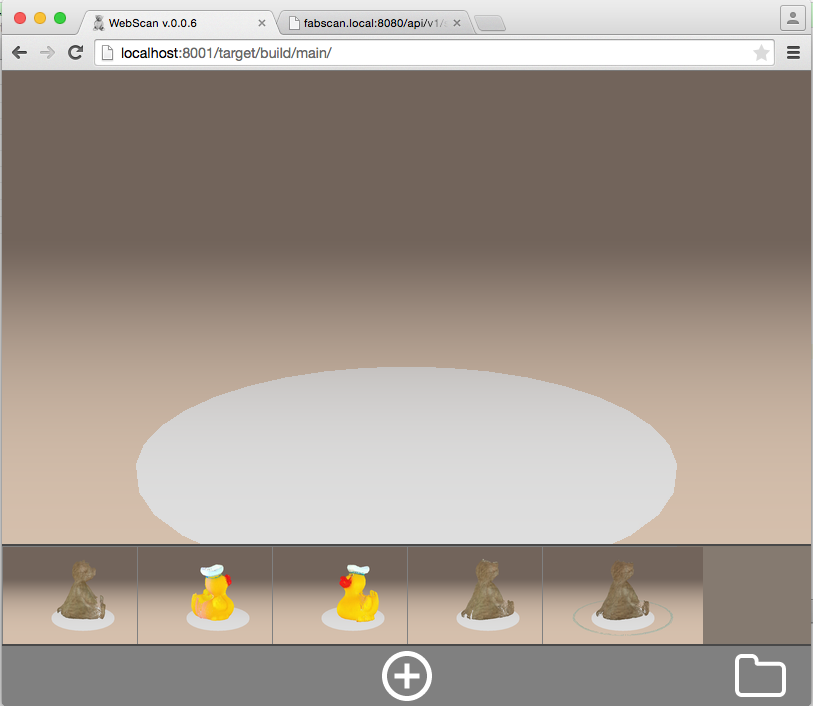
Main Window
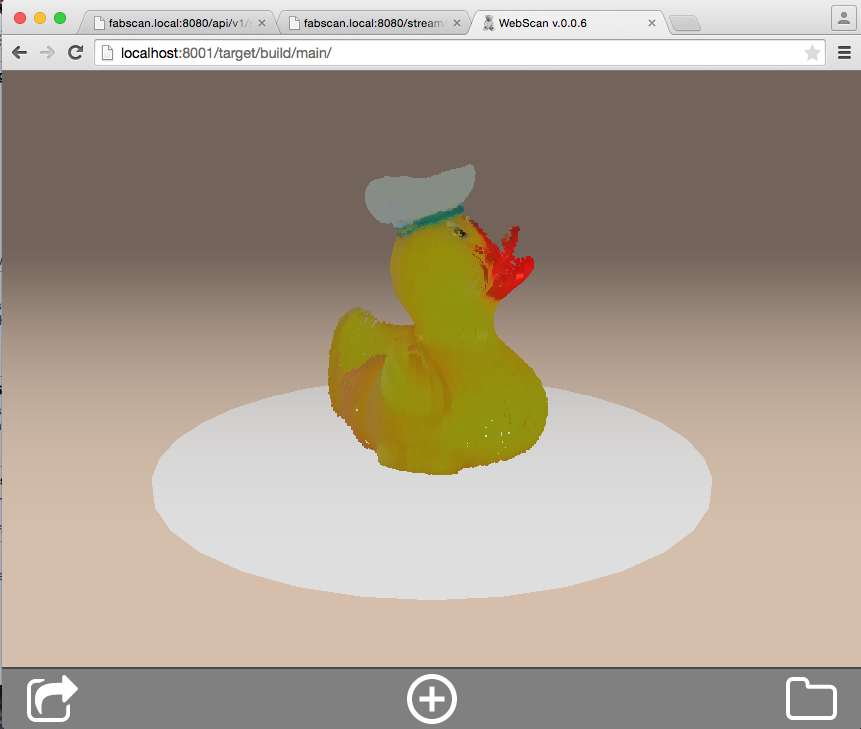
This is the point where you will start from. You can add a new scan, load old scans or share loaded and new scans.
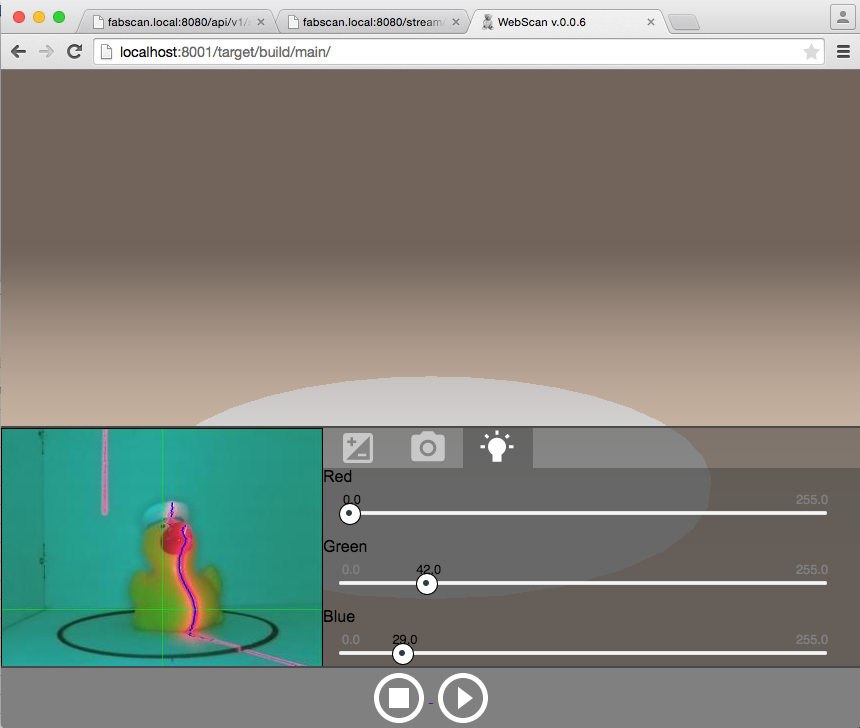
Settings Dialog
The settings dialog shows up before each scan. Here you can change settings like threshold value, camera brightness and contrast and much more. On the left side of this dialog you can see a realtime laser detection video stream. This stream helps you to find the best settings for the object which you want to scan.
Loading Dialog
With the loading dialog you are able to load your previous scans.
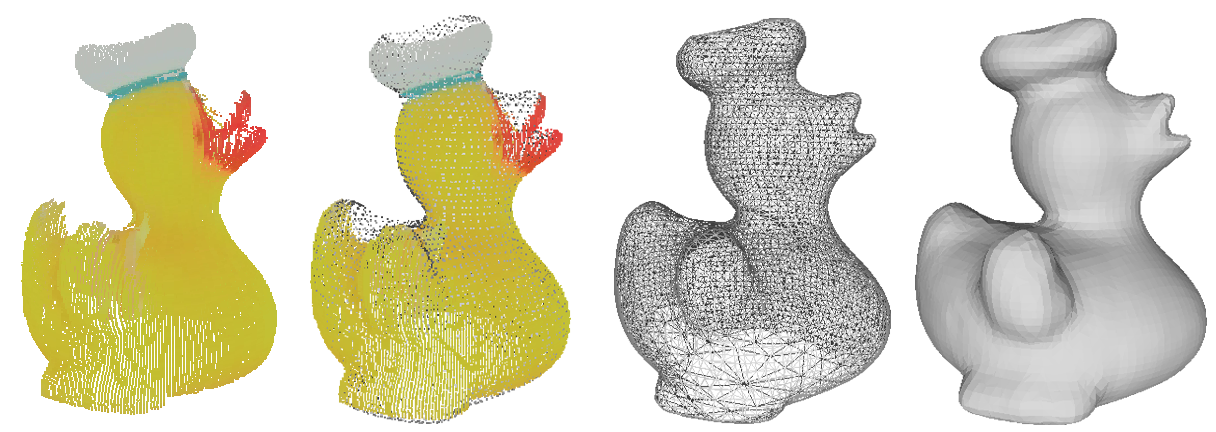
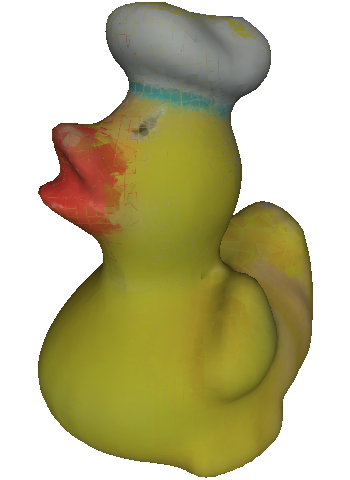
A new feature is the export option of colored meshes. Colored meshes are in a printable format. That means that you are able to send your scan results for example to shape ways.
More information available soon at: https://www.hci.rwth-aachen.de/fabscanpi
To cut a long story short here is a video preview of the new setup in action:
Comments