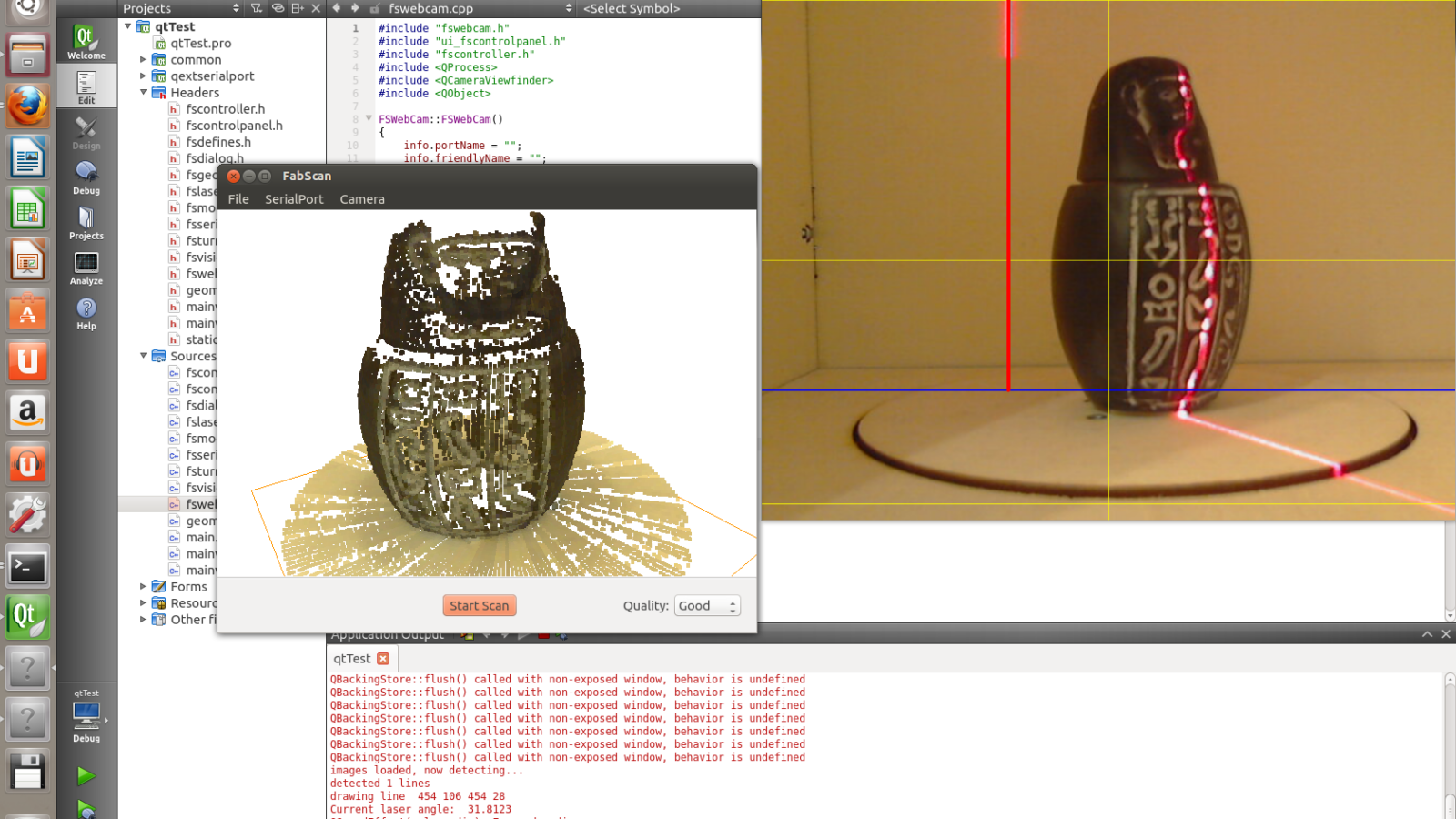
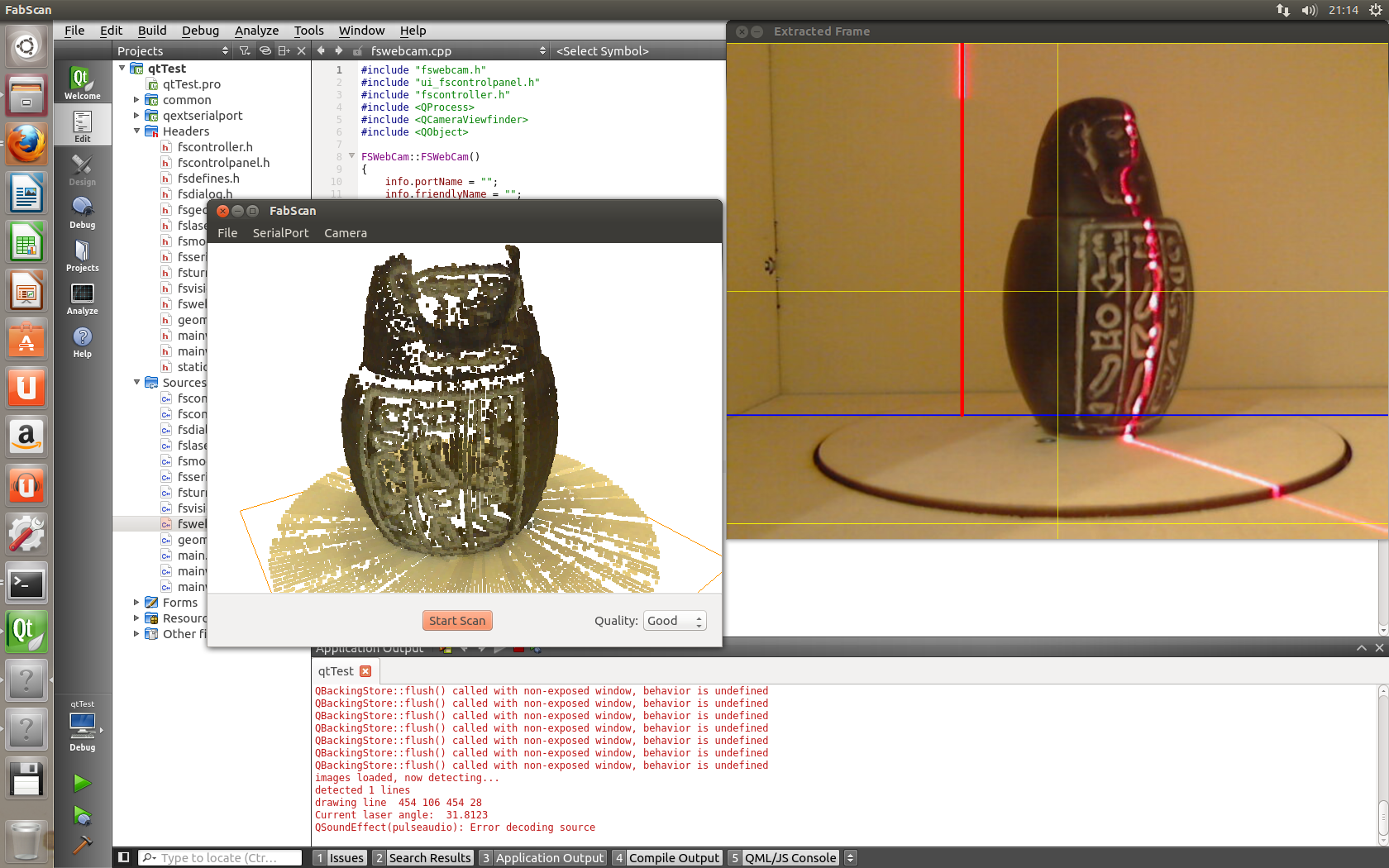
Work on a new FabScan Ubuntu Live DVD is finished. The CD has turned into a DVD, because quite a lot of tools have been added. For example, it is now possible to post-process the scanned objects. On top of that, the new DVD comes with other useful “maker” tools.
Among others, the new DVD ships with the following tools:
- FabScan software (version 100.8)
- Powercrust
- VisiCut (version 1.7-53)
- Slic3r (version 0.9.10b)
- Pronterface
- OpenScad
- MeshLab
- Arduino IDE
Starting the FabScan software
The FabScan software is located in the directory “/home/ubuntu/FabScan” and can be started from there. There are two ways to start the software.
Option 1: Terminal
First, open a terminal by clicking the Ubuntu icon in the launcher at the top left. Then type the word Terminal into the search bar. The Terminal icon appears. Click it to open the terminal.
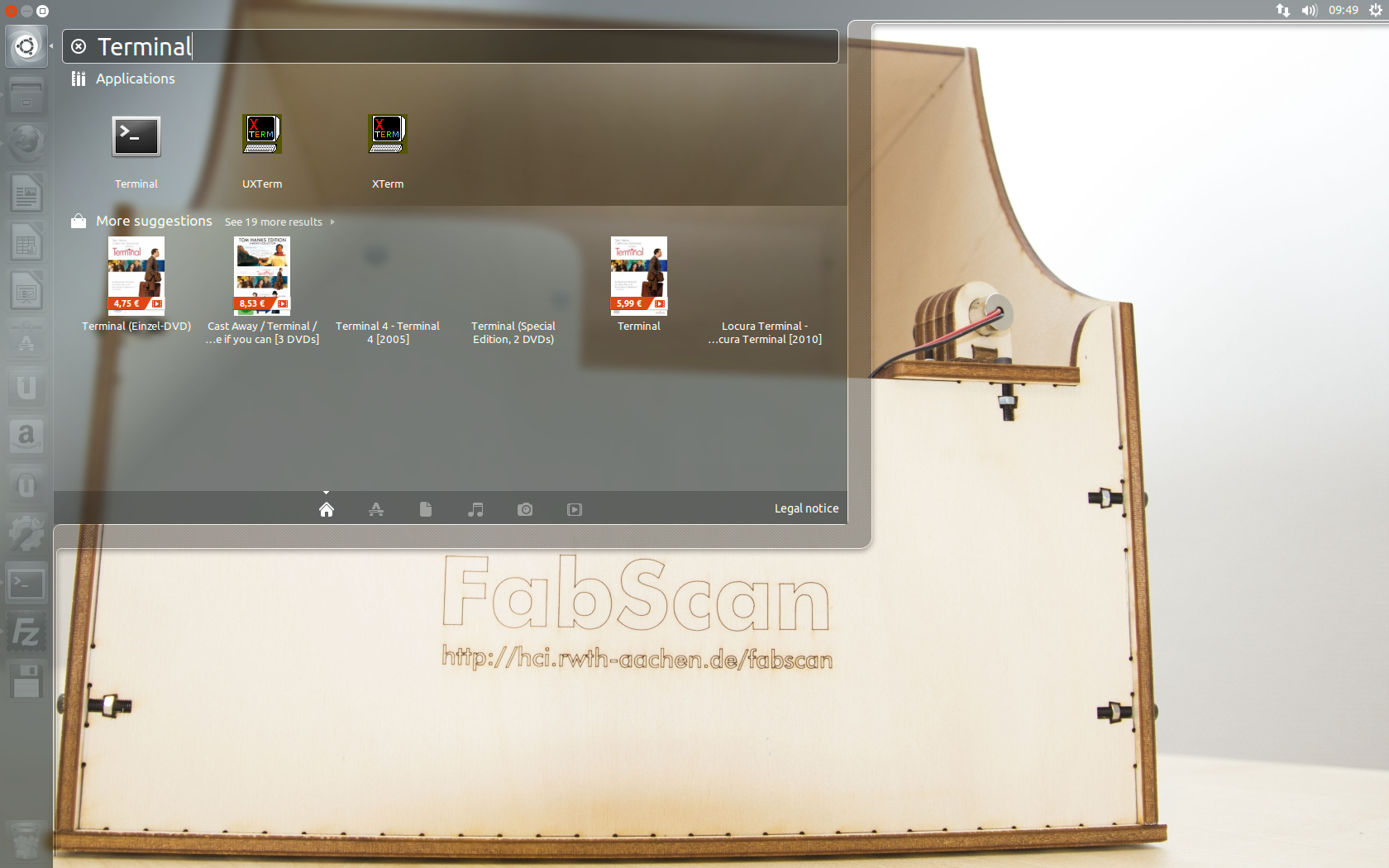
In the terminal, you then start the FabScan software by entering the following commands:
Change to the FabScan directory
cd FabScan
Start the FabScan software
./FabScan100
This method has the advantage that you can see program output in the terminal. So you know whether the FabScan software is still working, even if the program window doesn’t give that impression.
Option 2: File dialog
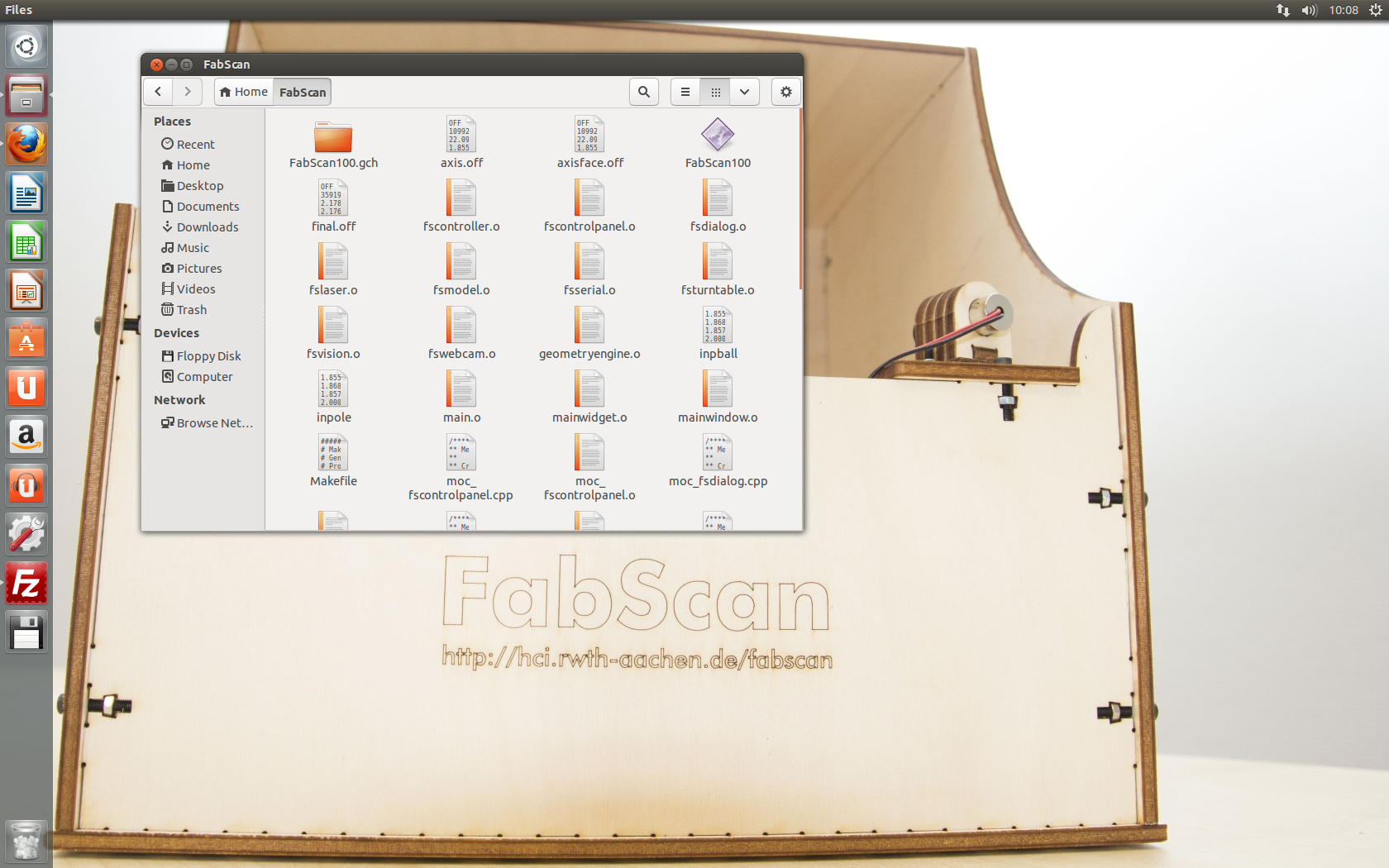
For this, click the second icon at the top left of the Ubuntu launcher (Files). In the window that appears, open the FabScan directory. In the FabScan directory, start the FabScan software by clicking the file FabScan100
Download
The downloads can be found at:
Mirror 1 Version 100.9 (mariolukas.de 1.2 GB)
Mirror 2 Version 100.8 (uploaded.to Size: 1.2 GB )
Comments