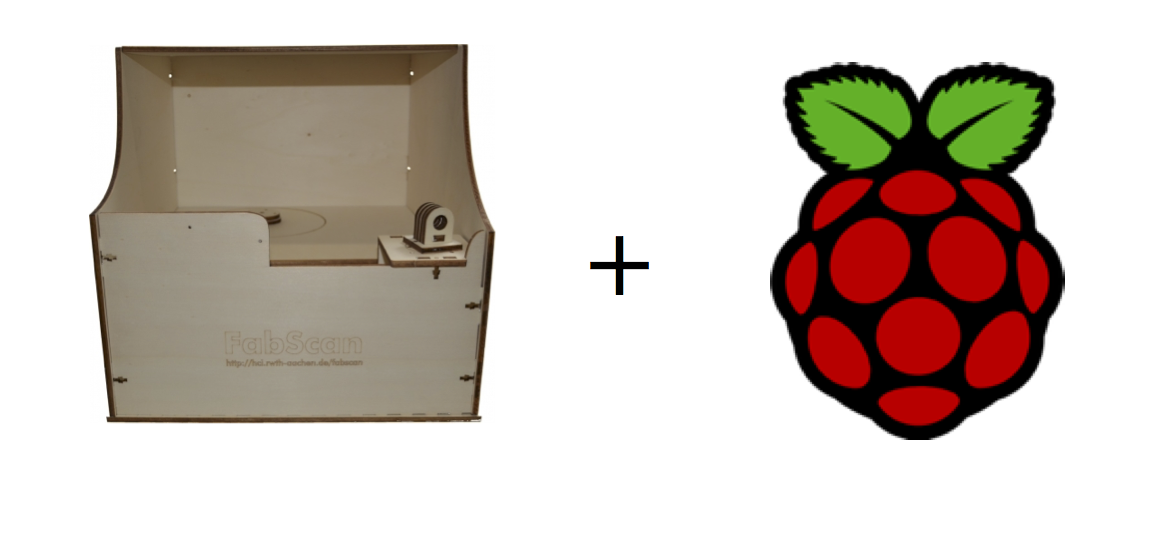
A first version of the FabScan PI software is released now. You can find further information at https://www.fabscan.org
Behind the link you will find a page which is a good starting point for the installation. More about the new hardware and software is provided by the GitHub repository.
I recommend to use the ISO SD-card image. Connect all needed hardware and flash the ISO to an SD-card. After the Raspberry Pi booted, you can point your browser to https://<your-pi’s-ip-address> for calling the FabScan PI web fronted. Chrome and Firefox recommended now, there are some issues with Safari at the moment . I will fix the Browser issues as soon as possible.
Have fun!
Comments